AI art generator comparison

Pixshop vs Midjourney

Pick Pixshop when the job is a realistic headshot, dating photo, travel portrait, or profile refresh. Pick Midjourney when you want aesthetic range, art direction, style references, and creative control over images that do not need to be a productized personal photo pack.

Choose Pixshop if

  • You want to start from one selfie and avoid learning Midjourney parameters, references, and edit tools.
  • You need a photo that can plausibly live on LinkedIn, a team page, a dating profile, or a personal site.
  • You prefer a curated pack catalog over a blank prompt box.

Choose Midjourney if

  • You want high-control AI art, concept visuals, cinematic scenes, or stylized creative output.
  • You enjoy prompting, remixing, image references, style references, and iterative art direction.
  • You need broader visual experimentation more than a fast profile-ready photo workflow.

Side-by-side comparison

The table focuses on practical purchase criteria, not a generic feature dump.

Pixshop versus Midjourney comparison
FeaturePixshopMidjourney
Primary jobPractical personal photo sets from one selfieAI art generation, style exploration, and creative image workflows
Photos needed to startOne clear selfieText prompt plus optional image, style, or Omni Reference inputs
Free to try3 free credits, no card requiredPaid access and usage limits depend on Midjourney plan
Starting priceFree (3 credits) -> $19/moPaid subscription; check Midjourney plans for current pricing
Personal likeness workflowGuided around your selfie and selected photo jobReference tools can help, but likeness is not packaged as a headshot product
Creative controlCurated look choices plus AI editingStrong prompt, style, reference, remix, and editor controls
Realistic headshotsYes: core pack clusterPossible, but requires prompt and reference iteration
Best fitUsable profile photos with less setupAI art, concepting, stylized worlds, and aesthetic exploration

Pixshop angle

What Pixshop does differently

Pixshop is intentionally less open-ended. That is the point: fewer creative controls, more direct paths to a personal photo you can actually use.

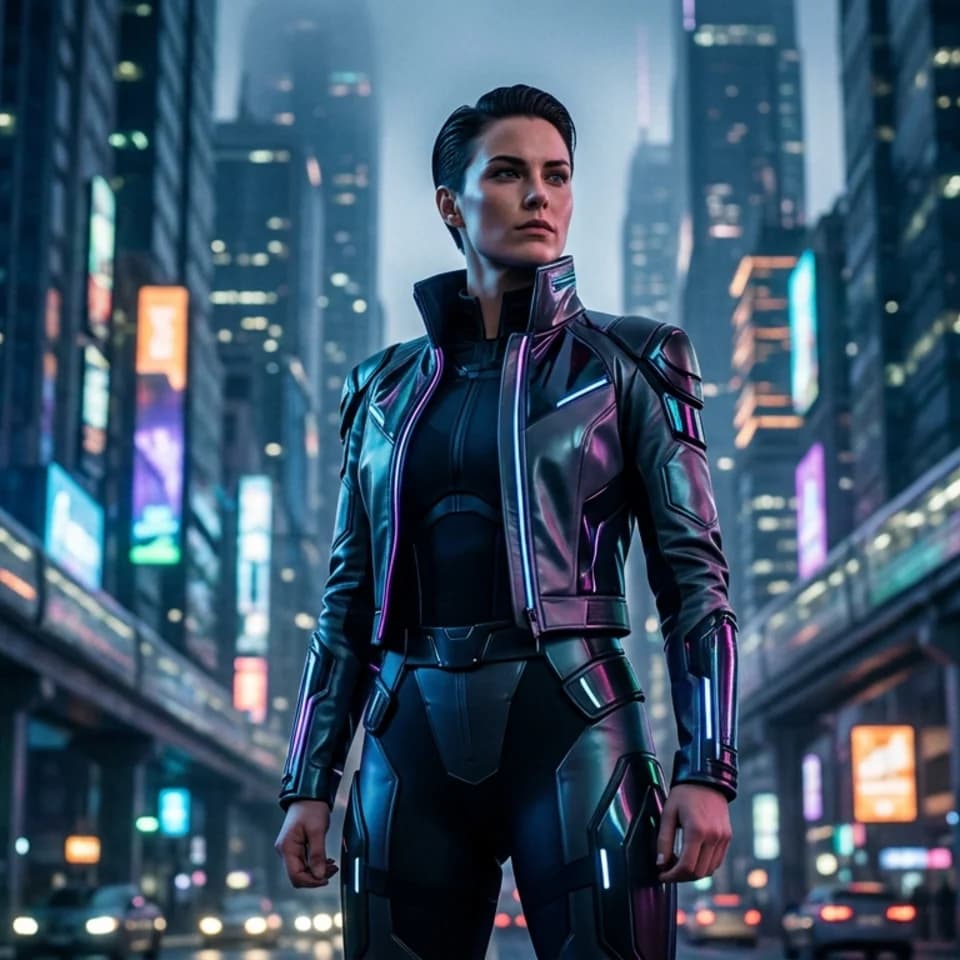
Holo Billboard Hero preview generated with Pixshop

Related Pixshop page

Fantasy Portraits

Large-scale future-city hero portrait that feels poster-ready without losing identity.

View this use case
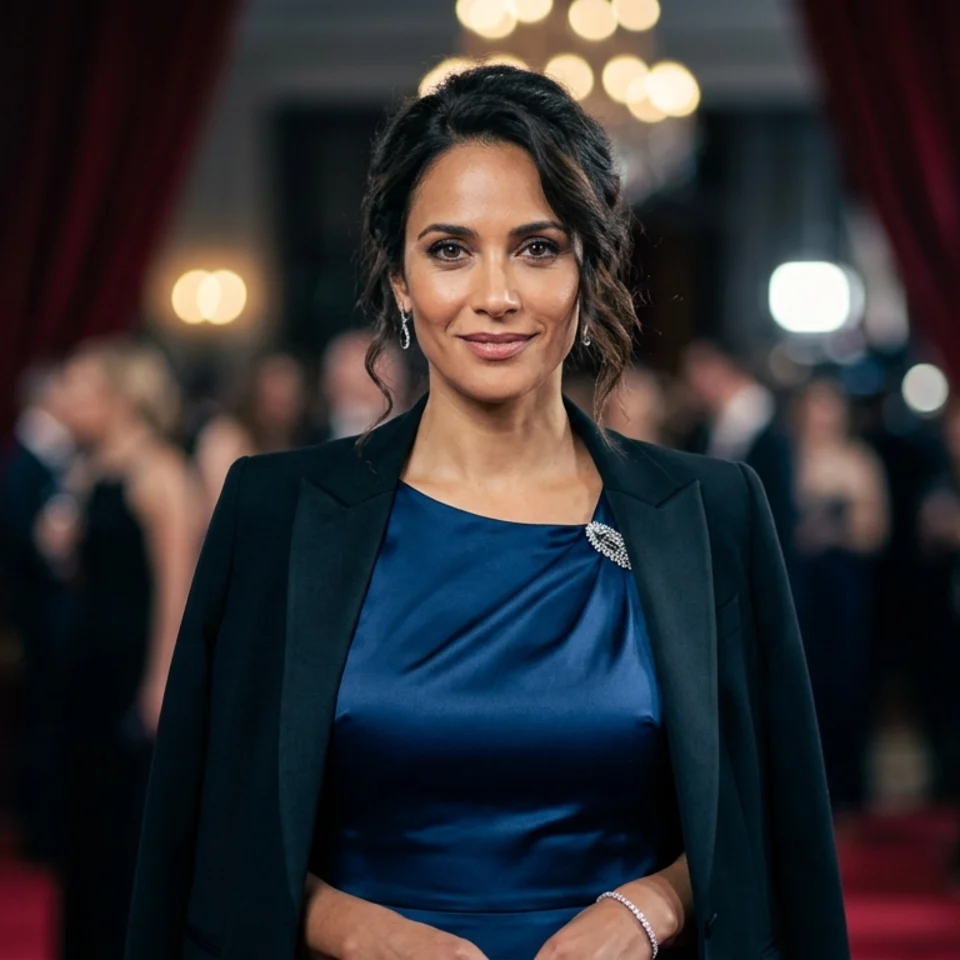
Awards-Night Speaker Portrait preview generated with Pixshop

Related Pixshop page

AI Headshots

Dressier profile image for media features, event pages, and honors.

View this use case
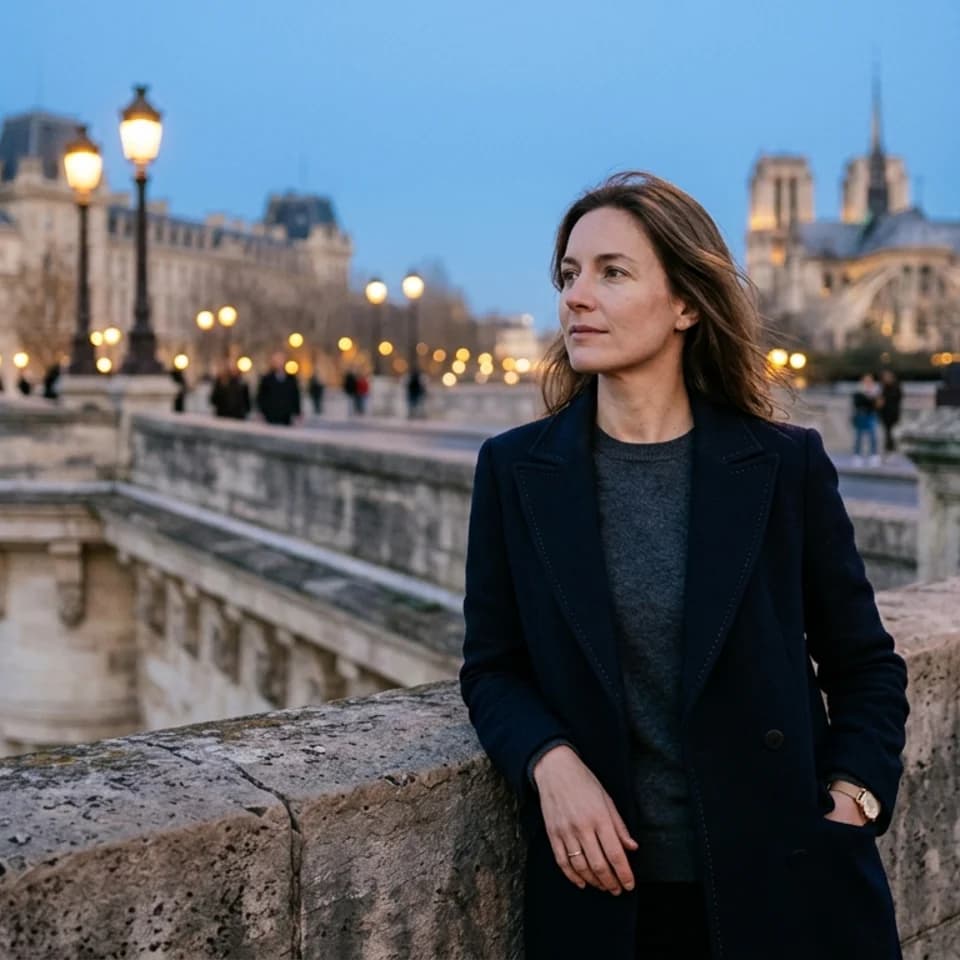
Bridge at Blue Hour preview generated with Pixshop

Related Pixshop page

Travel Portraits

Blue-hour city portrait that feels romantic without becoming staged.

View this use case
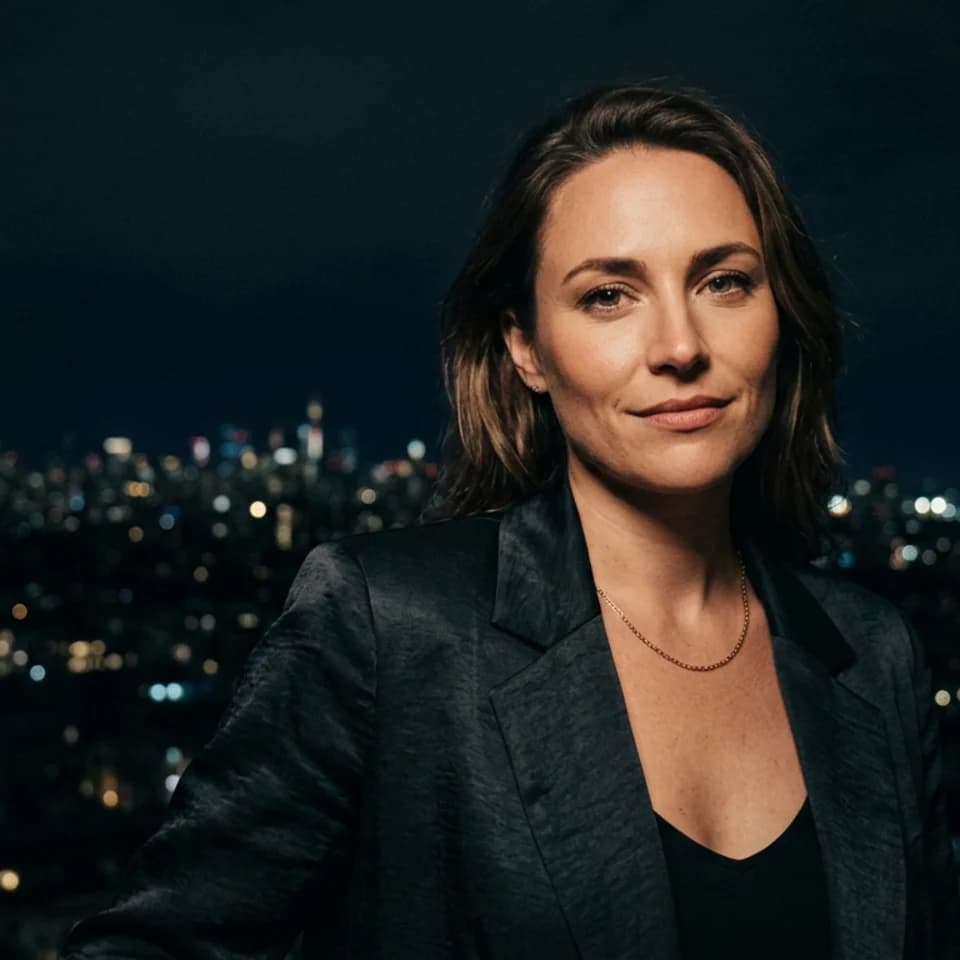
Night Portrait preview generated with Pixshop

Related Pixshop page

Dating Profile Photos

Moody, intimate night rooftop portrait with dark sky and warm light.

View this use case

Fair comparison

When Midjourney is still a good choice

Midjourney is still excellent if you want creative range, distinctive art direction, or highly stylized images where prompt iteration is part of the fun and the workflow.

Common questions about Pixshop vs Midjourney

Short answers for the switching questions people usually have before trying a new AI photo tool.

Is Pixshop better than Midjourney?

Pixshop is better for realistic, use-case-ready personal photos from one selfie. Midjourney is better for AI art, visual experimentation, and creative image generation with more control.

Can Midjourney use my selfie as a reference?

Yes, Midjourney supports image references and Omni Reference workflows. Pixshop is different because it packages the selfie workflow into specific photo jobs instead of asking you to prompt and tune everything yourself.

Which is better for fantasy portraits?

Midjourney is better if you want maximum stylization and prompt control. Pixshop is better if you want a faster fantasy portrait that still starts from a personal-photo workflow.

Start with one selfie

3 free credits. No card required. See whether Pixshop gets the first useful photo right.