


Creative AI suite comparison

Pixshop vs Adobe Firefly

Pick Pixshop when the job is a photo of you for a profile, bio, dating app, team page, or creator surface. Pick Firefly when you want broad creative AI, generative fill, Adobe ecosystem integration, or multi-media generation.

Choose Pixshop if

  • You want a finished personal photo, not a creative suite.
  • You want one selfie, curated packs, and free credits before deciding whether to pay.
  • You are not already working inside Photoshop, Adobe Express, or a broader Adobe content workflow.

Choose Firefly if

  • You want generative fill, design assets, video, audio, vectors, or model choice inside a creative AI product.
  • You already use Adobe tools and want AI generation near Photoshop, Express, or creative workflows.
  • You need brand, campaign, or design production capabilities beyond personal photo generation.

Side-by-side comparison

The table focuses on practical purchase criteria, not a generic feature dump.

Pixshop versus Adobe Firefly comparison
FeaturePixshopFirefly
Primary jobRealistic personal photo packs from one selfieCreative AI for images, video, audio, designs, and Adobe workflows
Photos needed to startOne clear selfieText prompts, uploaded images, Adobe assets, or creative references
Free to try3 free credits, no card requiredFirefly Free plan with limited generative credits
Starting priceFree (3 credits) -> $19/moFirefly Standard listed at $9.99/mo on the official page checked
Headshot workflowDedicated headshot, team, and professional photo packsPossible through prompts/edits, but not packaged as a headshot-first flow
Generative editingPrompt-driven AI editor for backgrounds, outfits, additions, and refinementsStrong generative fill and creative editing workflows
Media breadthStill photo generation and editingImages, video, audio, vectors, designs, and multiple model options
Best fitFast personal-photo outcomesAdobe-centered creative production and campaign assets

Pixshop angle

What Pixshop does differently

Pixshop is not trying to be a creative suite. It is a narrower tool for the moment when you need a better photo of yourself and do not want to build that result from prompt and edit primitives.

Monochrome Leadership Portrait preview generated with Pixshop

Related Pixshop page

Professional Headshots

Sharper black-and-white portrait for speaker bios and leadership pages.

View this use case
Executive Press Portrait preview generated with Pixshop

Related Pixshop page

Executive Headshots

Media-ready executive portrait for press kits and leadership announcements.

View this use case
Skyline Lean preview generated with Pixshop

Related Pixshop page

Dating Profile Photos

Cool, confident rooftop-railing portrait with full city skyline.

View this use case
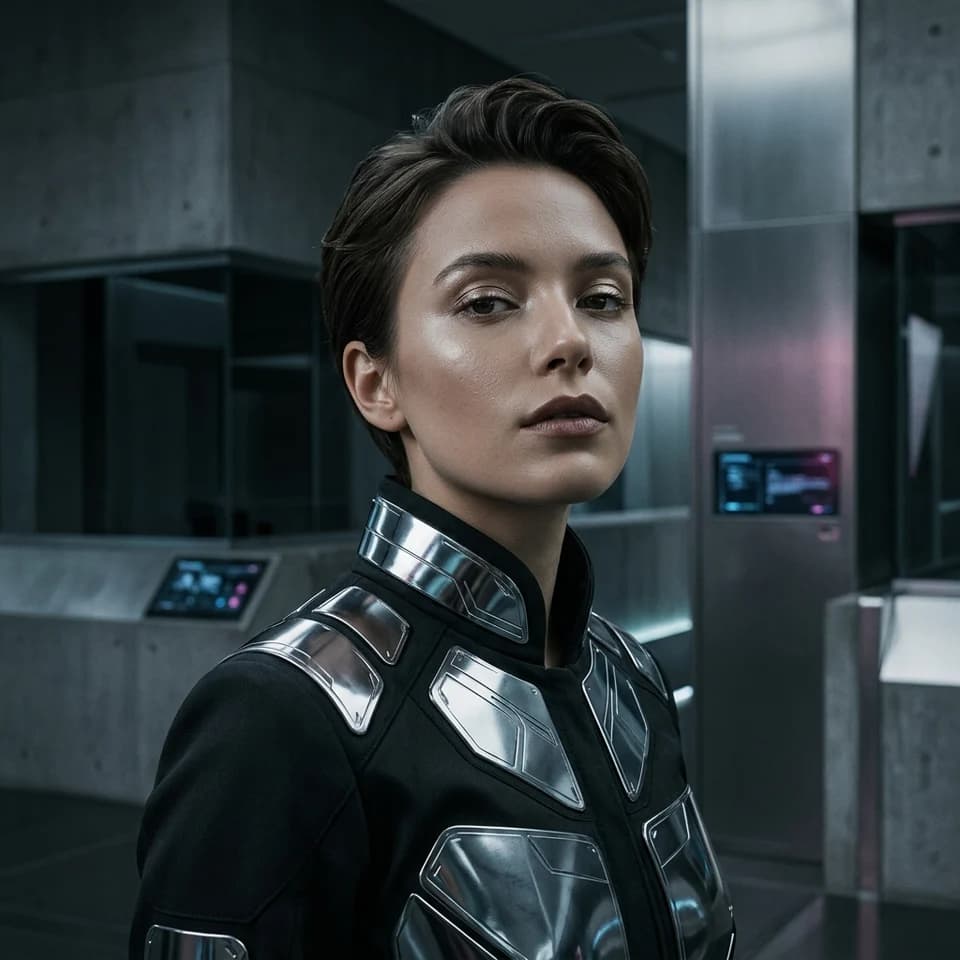
Chrome Pulse Portrait preview generated with Pixshop

Related Pixshop page

Fantasy Portraits

Refined cyberpunk close-up that feels premium rather than noisy.

View this use case

Fair comparison

When Firefly is still a good choice

Firefly is still the better choice for designers, marketers, and Adobe users who need generative fill, campaign visuals, video/audio features, or one creative AI workspace for many asset types.

Common questions about Pixshop vs Firefly

Short answers for the switching questions people usually have before trying a new AI photo tool.

Is Pixshop better than Adobe Firefly?

Pixshop is better for realistic personal photo packs from one selfie. Firefly is better for broader creative AI, especially if you use Adobe tools or need image, video, audio, design, and generative editing features.

Can Firefly make headshots?

Firefly can generate and edit images, but Pixshop is the dedicated headshot and personal-photo workflow. If you want a finished profile photo with less prompt work, Pixshop is the simpler path.

Which is better for marketers?

For campaign assets, layouts, edits, and Adobe-centered creative work, Firefly is stronger. For the founder, employee, or creator portrait that goes inside those assets, Pixshop is more focused.

Start with one selfie

3 free credits. No card required. See whether Pixshop gets the first useful photo right.