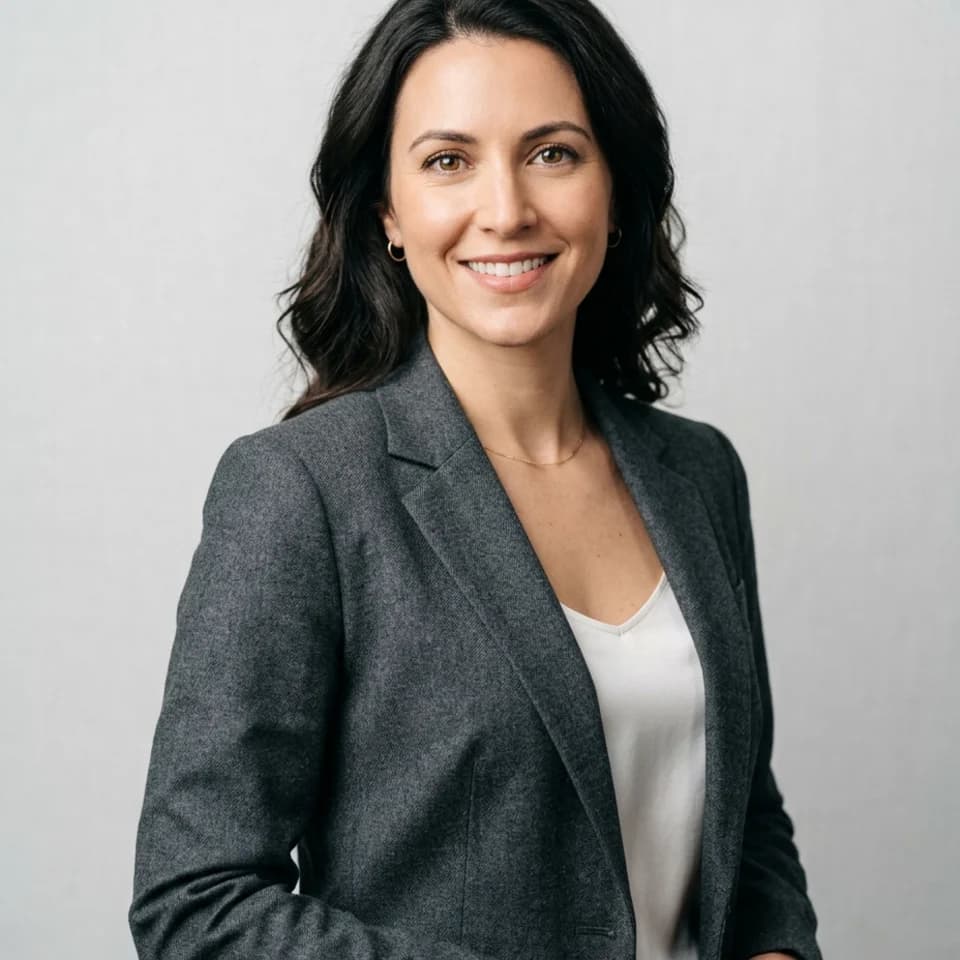
Tailored Studio Headshot
Clean, high-trust opener for LinkedIn, resumes, and press kits.
LinkedIn profile photos
Get a polished, profile-ready LinkedIn headshot from one clear selfie — no photographer booking, no studio, no waiting.
Polished headshots for partners, advisors, principals, and senior professionals who need a credible, versatile professional presence.
Start with 3 free credits in this pack, choose the looks you want to test first, then upgrade only when the workflow proves itself.
Each scenario page maps directly to a real Pixshop photo pack. These are not placeholder concepts. Click through and the same pack opens in the studio.
Clean, high-trust opener for LinkedIn, resumes, and press kits.
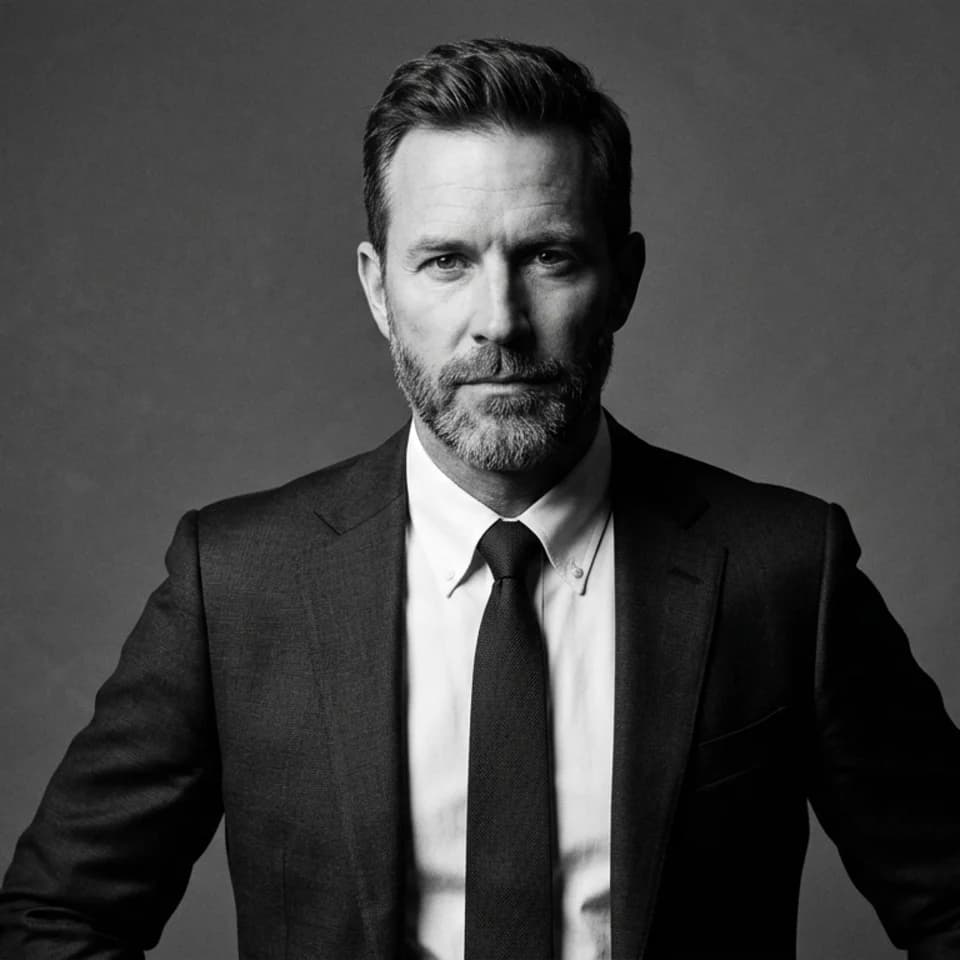
Sharper black-and-white portrait for speaker bios and leadership pages.
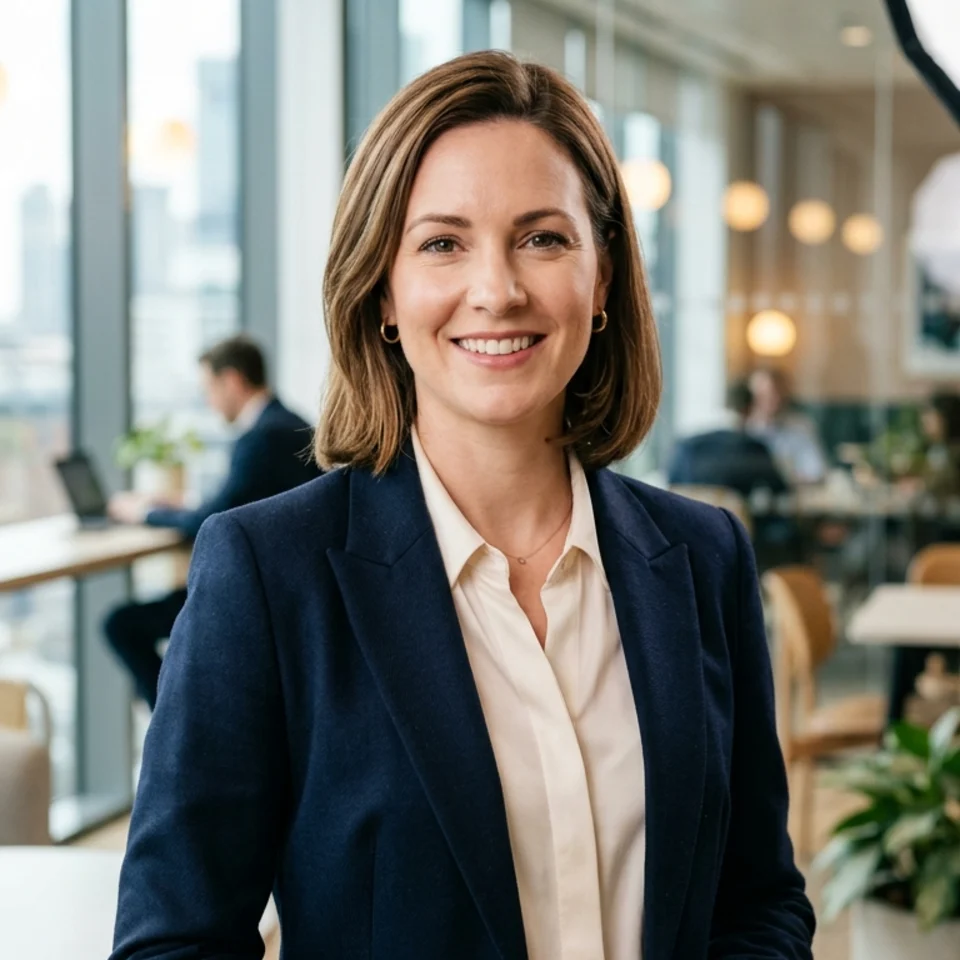
Warm professional image for team pages, consultancy sites, and bios.
Start from the headshots pack — built specifically for LinkedIn, team pages, and professional bios instead of generic AI outputs.
Upload one clear selfie and get a set of polished, profile-ready portraits. Use the best one immediately.
Upgrade when you want more looks, retries, or a set that covers LinkedIn plus your personal site and speaker page.
How it works
Open the scenario pack instead of beginning with a blank tool state.
Upload one selfie and choose the looks you want to generate first inside this pack.
Keep the winner now, then upgrade only if the workflow deserves more room.
These pages are designed to answer specific search intent, then route directly into the matching Pixshop pack.
For most LinkedIn use cases, yes. Pixshop produces clean, polished headshots that work on profiles, bios, and team pages without scheduling a studio session.
A clear front-facing selfie taken near a window or in good natural light. Remove hats and sunglasses. Your phone camera in normal daylight is plenty.
Most users have their first set of results within a few minutes of uploading. You can update your LinkedIn profile photo the same day.
Pixshop is designed to improve the lighting, setting, and polish while keeping your face recognizable. The output should look like a better version of you, not a different person.
Yes. The headshot pack produces looks that work across LinkedIn, internal team directories, speaker bio pages, and founder introductions.
Each scenario page maps to a different pack, so visitors can move from broad interest to a concrete use case fast.
LinkedIn, teams, and bios
Create polished headshots for LinkedIn, team pages, speaker bios, founder intros, and resumes from one clear selfie without planning a studio day.
Established professionals
Generate professional-quality headshots from one selfie for LinkedIn, consultant profiles, bios, personal sites, and polished profile refreshes — in minutes.
Active job seekers and career changers
Get a polished, profile-ready headshot from one selfie for LinkedIn, resume portfolios, job board profiles, and career pages — without planning a studio session.
Open the real pack, get your first result fast, and keep iterating only when the workflow earns it.